Watch it anywhere
Kodi in 2026: what it is for now, and what replaced the rest
Kodi did not decline — it went back to being what it always was: the best player in the business, and not a source of content.
Updated 2026-09-01 · 4 min read
Kodi is searched forty thousand times a month in English and twelve thousand in French, and much of what people find is a decade out of date. It is worth being precise, because Kodi is genuinely excellent at one thing and genuinely the wrong choice for another.
What Kodi actually is
Kodi is a player, not a server and not a catalogue. Free, open source, and it reads virtually every file format ever made — including the awkward ones other players refuse. That has never changed.
| Kodi is… | Kodi is not… |
|---|---|
| A player that reads anything, on almost any device | A server: it does not serve files to other devices |
| A superb interface for a local collection | A source of content — the add-on era ended, and for good reasons |
| Free, with no account and no telemetry | Something that syncs a household without extra work |
Why the add-on era ended
For years, the popular use of Kodi was third-party add-ons that streamed films from unlicensed sources. Two things ended that: sustained legal pressure on the add-on repositories, and their sheer unreliability — an add-on that works in March is broken in May. The Kodi project itself always disowned them, and the community largely moved on — mostly towards Stremio paired with a debrid service, which is a different bargain with much the same catch.
Kodi with a media server: the setup that lasts
- 1
Your library lives on a server
A rented box or a machine at home, running Jellyfin or Plex. It holds the files, the posters, the watch progress.
- 2
Kodi connects to it
Install the official Jellyfin for Kodi add-on (or the Plex equivalent). Kodi now shows the server library as if it were local.
- 3
You get the best of both
The Kodi player, which reads formats a TV app will choke on, driving a library that is centralised and shared. Watch progress syncs across every device.
When to use Kodi, and when not to
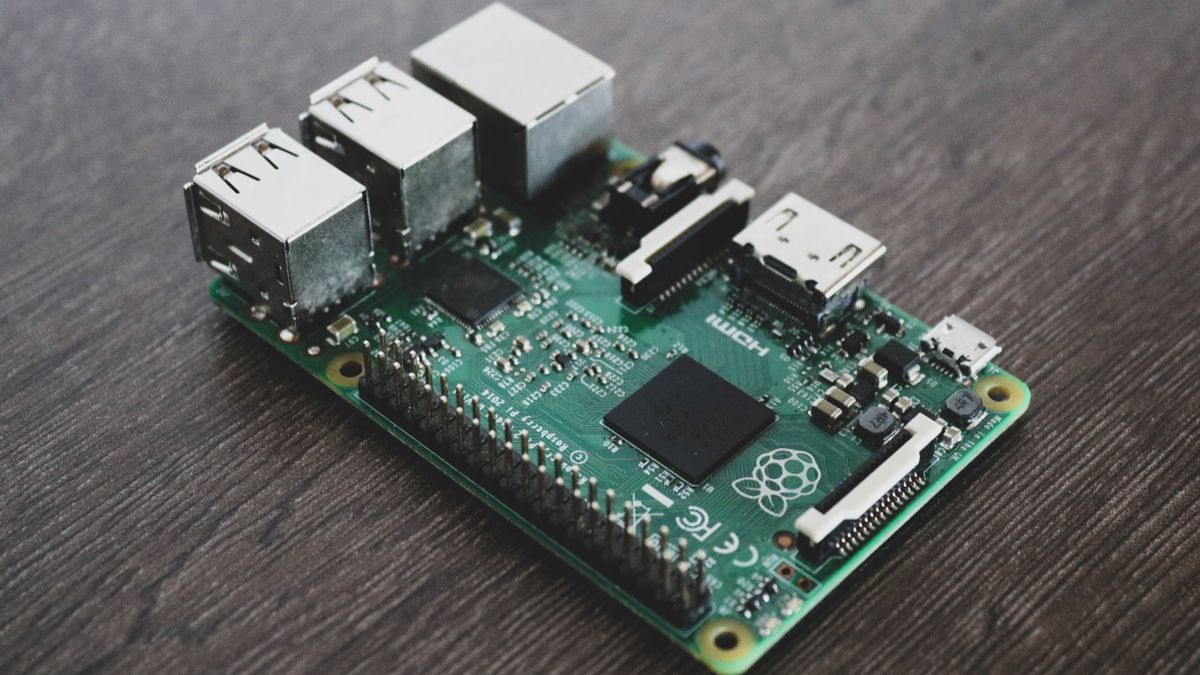
- Use Kodi if you have an oddly encoded collection, want total control over subtitles and audio tracks, or are running an old PC or a Raspberry Pi plugged into the TV.
- Use the native Jellyfin or Plex app instead if you want something a family member can operate without a manual. The TV apps are far simpler.
- Do not use Kodi as a server. It has no useful way to serve other devices. That is not what it is.
+How much does Kodi cost a month?
Nothing, ever. Kodi is free open-source software with no subscription and no paid tier. What costs money is the machine holding the files it plays.
+Is Kodi still worth it in 2026?
As a player, yes — it still reads formats that TV apps refuse, and gives the finest control over subtitles and audio tracks. As a source of content, no: that era ended, and the setup that lasts is a media server holding the library with Kodi playing it.
+Does anyone still use Kodi?
Forty thousand searches a month in English and twelve thousand in French say so. What changed is the reason: it is now paired with Jellyfin or Plex rather than loaded with third-party add-ons.
+Is Kodi legal?
Yes, entirely. It is an open-source player, in the same category as VLC. Certain third-party add-ons pointed at infringing sources; the software itself never did.
+Kodi or Jellyfin — which do I install?
Both, for different jobs. Jellyfin on the server, Kodi on the device if you want the better player. They are complements, not alternatives.
+What about a Fire Stick?
Kodi runs on it, but a Fire Stick has modest hardware and Kodi will feel sluggish. The native Jellyfin app is the better choice there — see watching on Apple TV and Fire Stick.
Sources and official documentation
- Kodi — official site · kodi.tv
- Kodi Wiki — official documentation · kodi.wiki